Build one connected OT workflow for media control, asset inspection, and audit operations with TXOne Element
By combining Portable Inspector, Safe Port, and ElementOne, it becomes easier to design one continuous flow for USB hygiene control, OT asset scanning, malware-free reporting, visibility, and evidence management.
ARIS Vietnam supports more than product introduction. We help shape PoCs, operating rules, responsibility boundaries, and audit-ready documentation tailored to OT/ICS environments. Clarifying who brings in what, when assets are inspected, and how results are recorded makes post-deployment operations far easier to sustain.
Designed to separate removable media control, asset inspection, and the management console
Operational planning aligned with real OT/ICS workflows
Evidence and reporting designed for audits and internal explanation
TXOne Architecture
What TXOne Element means
In practice, Portable Inspector, Safe Port, and ElementOne form the TXOne Security Inspection approach explained here from an ARIS deployment perspective. ElementOne is the central management console, and for clarity this page refers to the overall setup as "TXOne Element."
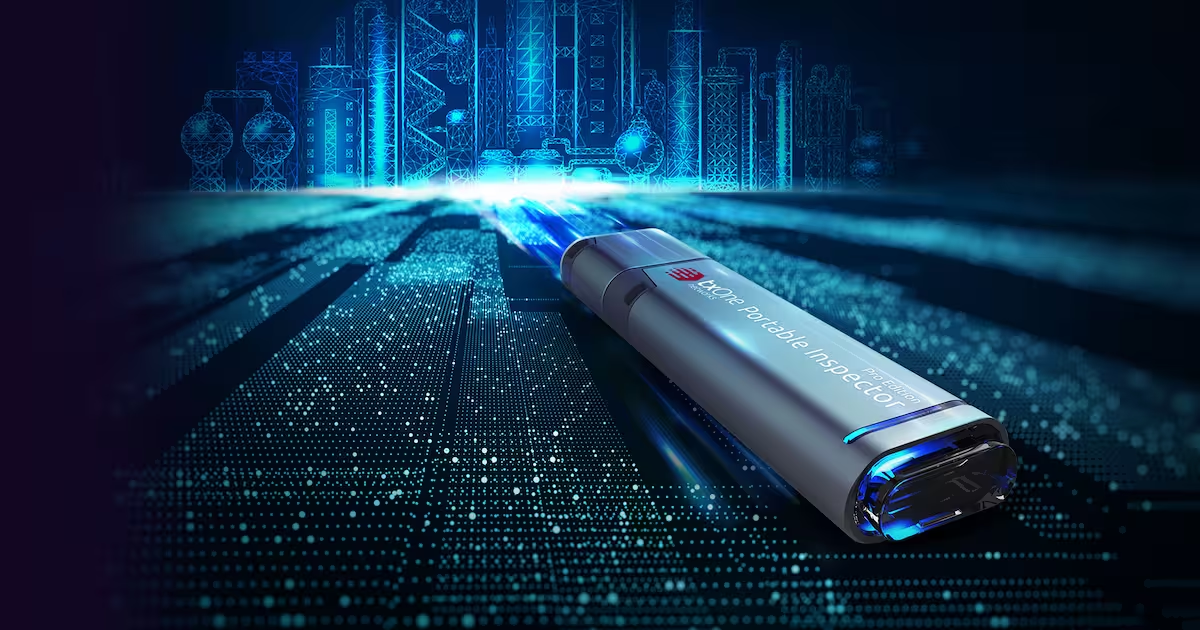
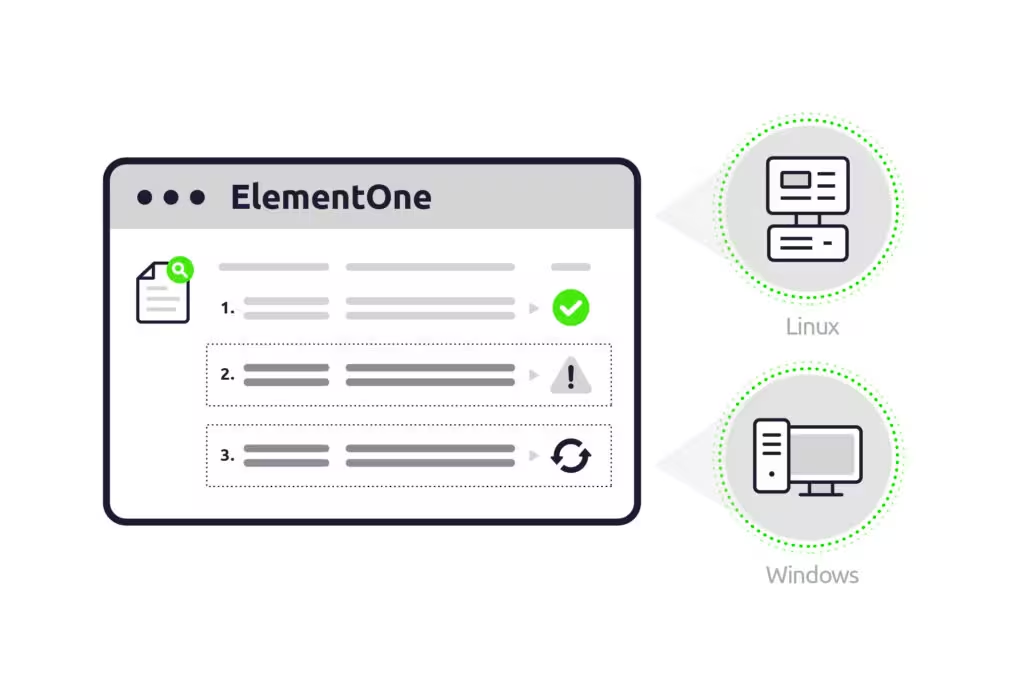
Portable Inspector — Portable Inspector is an agentless, installation-free USB form factor designed to inspect Windows and Linux assets with minimal disruption.
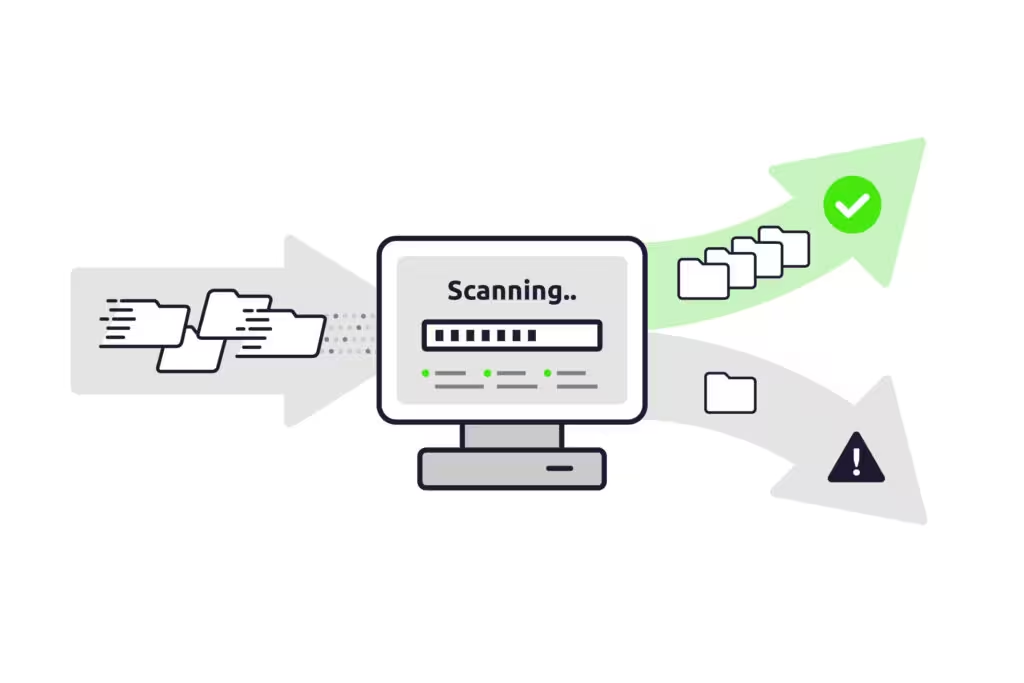
Safe Port — Safe Port is a dedicated appliance that scans and sanitizes removable media such as USB devices before they are brought into the OT environment.
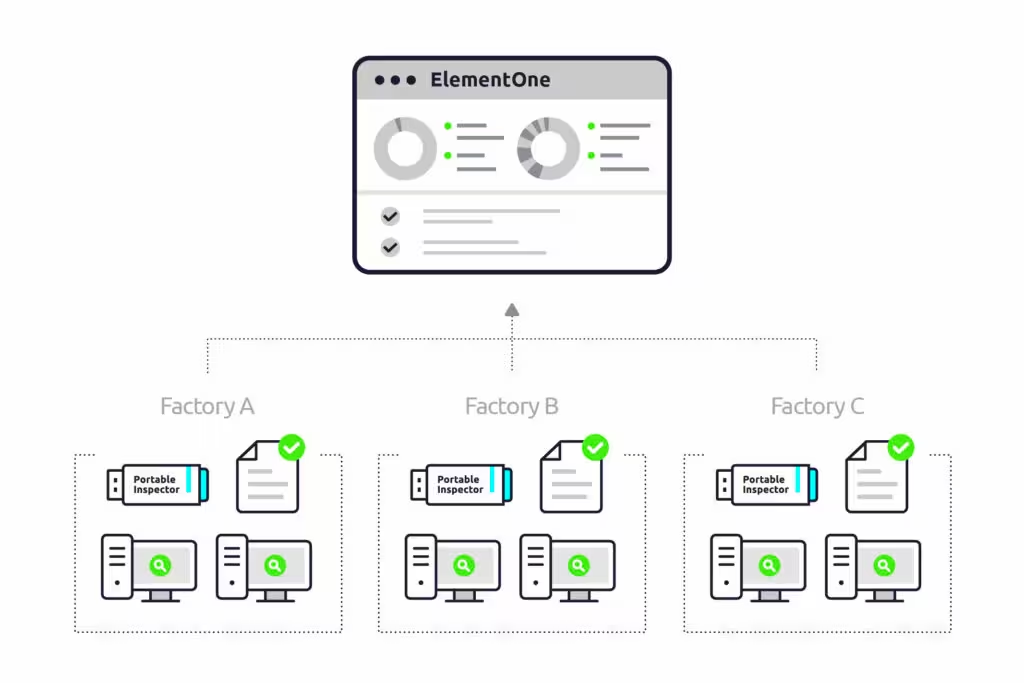
ElementOne — ElementOne is the management console that centralizes scan results, asset data, logs, and reports, and supports dashboards, group management, access control, and evidence organization.
Media ControlEasy to organize entry control and hygiene for incoming USB devices
Asset InspectionEasy asset inspection without resident software
VisibilityEasy overview of asset data, vulnerabilities, and missing patches
Audit ReadinessEasy to explain with malware-free reports and centralized logs
Portable Inspector is a portable, installation-free inspection device in a USB form factor. It is commonly positioned for pre-checking newly introduced equipment, periodic audits, and spot scans of isolated endpoints in OT environments.
Portable Inspector
A USB-based product for inspecting assets directly. It fits endpoints where permanent agents or software installation are difficult, including isolated devices and spot checks for audit targets.
Installation-free and agentless scanning
Broad support for Windows—including Windows XP—and Linux
LED status indication for easier field use
Results can be centralized in ElementOne for ongoing operations
A dedicated appliance for scanning and sanitizing removable media before it enters or leaves the site. It is well suited to designing entry-point control.
Well suited for USB hygiene and maintenance media control
Easy to position for air-gapped operations
Makes it easier to separate media controls from asset-side controls
Works well with ElementOne for evidence management
A management console that centralizes information from Portable Inspector and Safe Port, and supports dashboards, grouping, access control, reporting, and evidence organization.
Visibility across asset types, OS versions, missing patches, and vulnerabilities
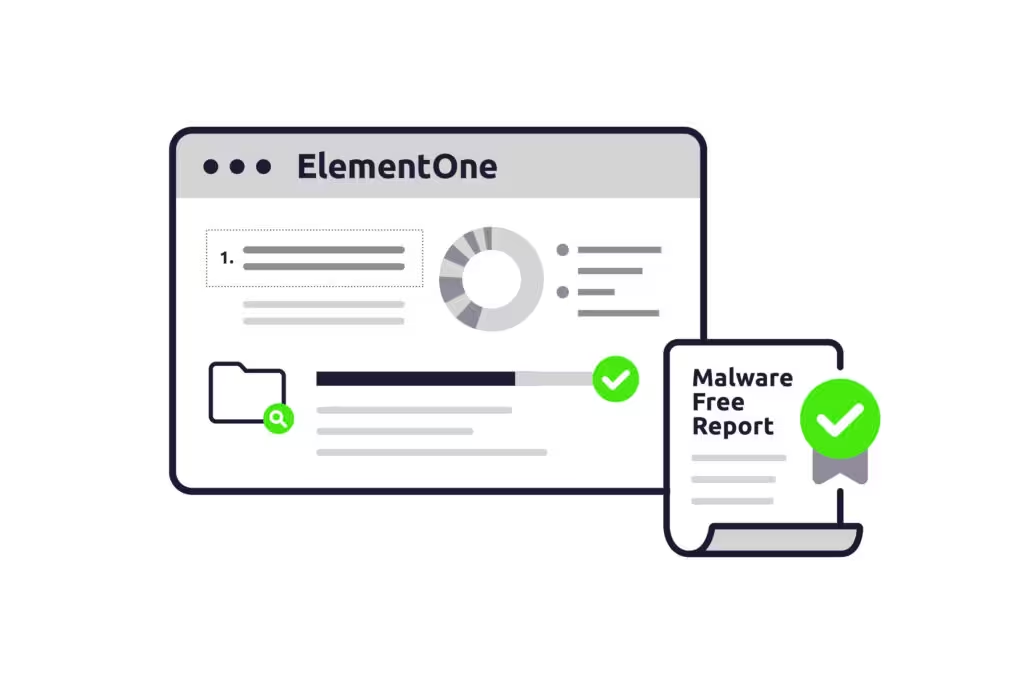
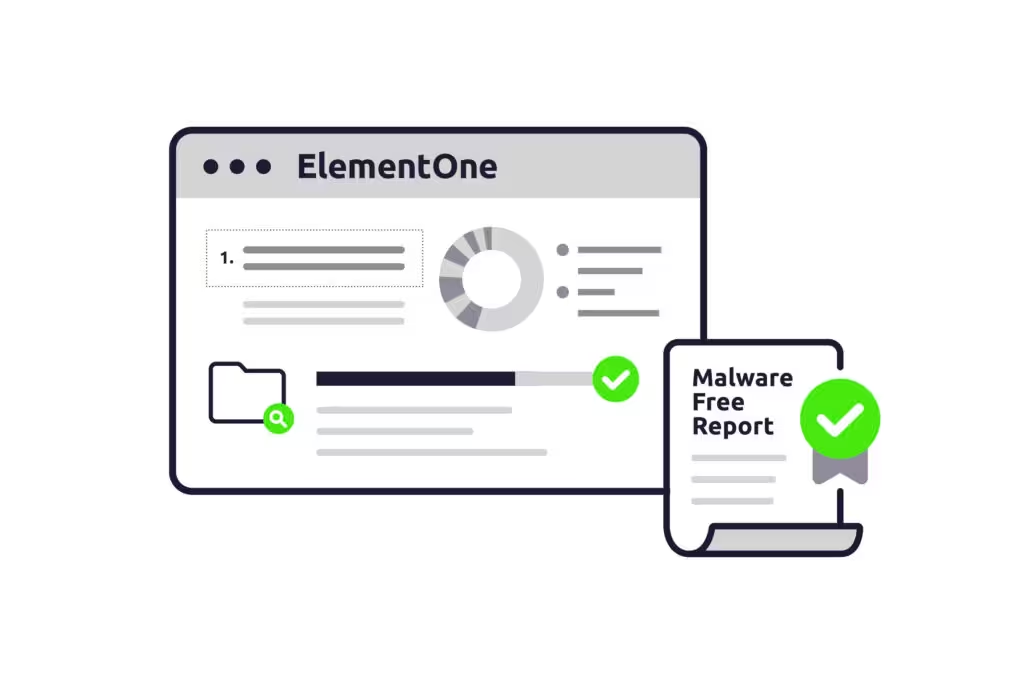
Output of malware-free reports and detailed information
Group-based operations, role allocation, and permission control
Creates a solid starting point for audits, internal reporting, and continuous improvement
ElementOne is more than a log repository. It becomes the foundation for accountability and continuous improvement in OT/ICS operations. ARIS maps not only the features, but also which team uses them in which workflow.
Understand the overall picture through dashboards
Gain a high-level view of asset types, operating systems, total assets, top missing patches, and critical vulnerabilities to support audit preparation and remediation prioritization.
Malware-free reports and detailed asset information
Organize scan results, system information, installed applications, Windows Update status, and vulnerability scan outputs into a format that is easier to explain internally and externally.
Grouping and access control
Divide operations by site, plant, line, maintenance team, or contractor to clarify ownership boundaries and access permissions.
Ongoing operations and consolidated audit evidence
Move beyond one-off inspections by accumulating inspection history, exception handling, update rules, and report workflows for continuous improvement.
ElementOne provides a UI that makes it easier to balance the overview required by audits with the prioritization required for improvement work.
When you also consider ownership for access and configuration changes, it is important to position ElementOne not as a viewer, but as an operational management platform.
⟳
How to combine the three products
The key is to connect media-entry control, asset-side inspection, and centralized visibility and evidence management into one operational flow. Benefits are much easier to realize when you go beyond isolated deployment and design clear ownership boundaries for day-to-day operations.
Step 1. Entry control with Safe Port
Inspect and sanitize USB devices and removable media before they enter the site, reducing the chance of malware introduction. The design should be embedded into the standard entry process.
Step 2. Asset inspection with Portable Inspector
Scan field endpoints and equipment with a USB-based tool, without installing resident software. This makes it easier to support inventory checks, periodic audits, and pre-maintenance verification.
Step 3. Centralize and visualize with ElementOne
Centralize cross-site dashboards, detailed asset information, malware-free reports, and operational permissions to support audit, reporting, and improvement activities.
Aggregating Portable Inspector results in ElementOne makes it easier to turn one-off inspections into continuous operations.
Safe Port clearly defines media control at the entry point, and serves as the starting point for entry rules, exception handling, and evidence storage.
◈
Typical use scenarios
The model is especially useful where multiple teams are involved, such as information systems, plant IT, maintenance engineering, quality assurance, and audit functions.
Control over USB devices brought in by maintenance vendors
Sanitize incoming media with Safe Port, and inspect relevant endpoints with Portable Inspector when needed. ElementOne reports then support accountability and audit explanation.
Asset visibility before inventory and audits
Aggregate scan results and system information for each asset so pre-audit information collection becomes part of ongoing operations rather than a one-off effort.
Standardizing operations across multiple sites
With multiple plants, lines, and maintenance teams, it becomes easier to organize Portable Inspector configurations and responsibilities by group.
FAQ
Frequently Asked Questions
These questions are organized not only for product comparison, but also from the perspective of real-world OT deployment.
On this page, we use "TXOne Element" as a convenient umbrella label for the overall setup that includes Portable Inspector, Safe Port, and ElementOne. The formal name of the management console is ElementOne.
If the main goal is to control media at the entry point, a setup centered on Safe Port is worth considering. However, if asset-side inspection, cross-site visibility, and audit reporting operations are also needed, designing with Portable Inspector and ElementOne together will be easier to organize.
Yes. Safe Port and Portable Inspector are products that can be considered even in sites that do not rely on constant internet connectivity. In actual operations, it is important to design update methods, report collection, permission management, and exception handling together.
Use Safe Port when you want to inspect and sanitize media such as USB at the entry point. Use Portable Inspector when you want to inspect assets in an installation-free, agentless way. Center on ElementOne when you want to organize result aggregation, visibility, and report operations.
Ready to evaluate TXOne Element in a way that fits your site?
If you can clarify where to start—media operations, asset inventory, audit readiness, or vendor USB control—it becomes much easier to turn the plan into a realistic path from PoC to operational design. Feel free to contact us even at the concept stage.